One line
Painting Desk is a miniature-painting tracker for iPhone, iPad, Mac and Apple Vision Pro: every kit from sprue to done, every pot on your rack, and colour tools that always answer with a real paint.
Press
Facts, copy, screenshots and artwork for writing about Painting Desk. Use anything on this page in your coverage of the app.

Fact sheet
Key features
Three lengths, ready to paste.
One line
Painting Desk is a miniature-painting tracker for iPhone, iPad, Mac and Apple Vision Pro: every kit from sprue to done, every pot on your rack, and colour tools that always answer with a real paint.
One paragraph
Painting Desk is a miniature-painting tracker for iPhone, iPad, Mac and Apple Vision Pro. Every model a painter owns goes on the shelf, sorted by stage from Sprue to Done, and the few they're painting now go on the desk, where each kit counts the days it has sat there. Photos taken along the way are stamped with their stage, and finished kits land on the Showcase. The paint rack holds every pot they own, from a catalogue of over 4,700 paints across ten brands, and its colour tools build ramps and harmonies that always answer with a real paint. There's no account and no server: everything stays on the painter's devices and in their own iCloud.
Full description
Painting Desk is a tracker for miniature painters, built for iPhone, iPad, Mac and Apple Vision Pro.
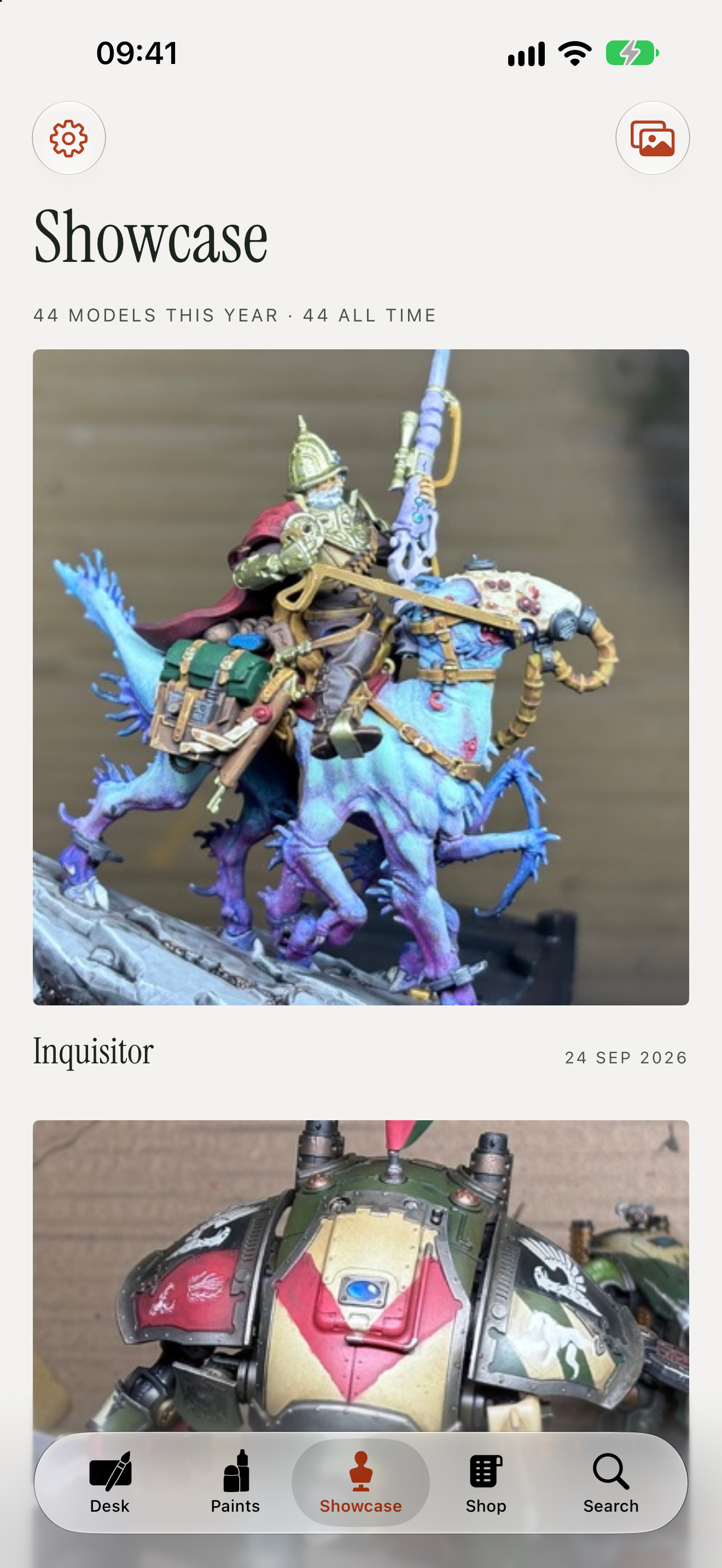
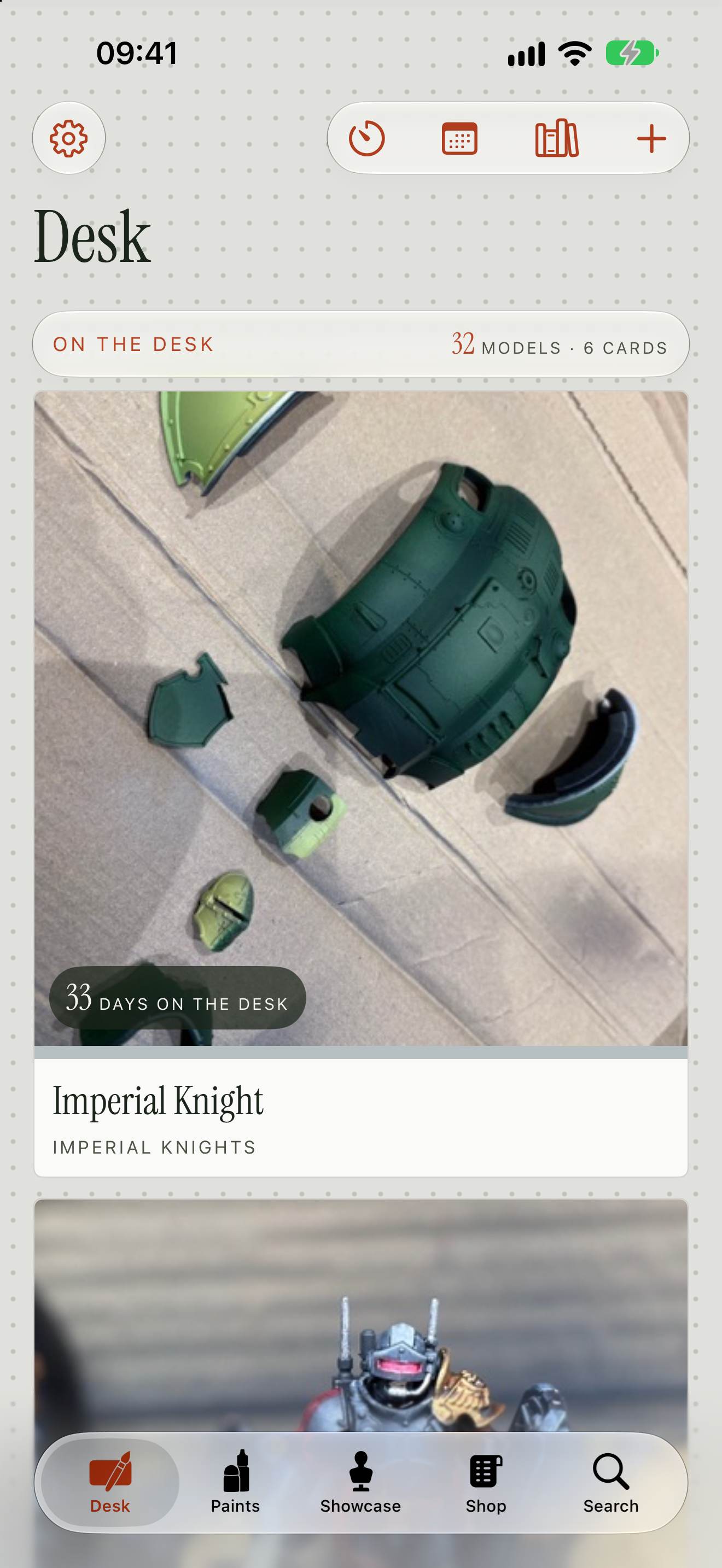
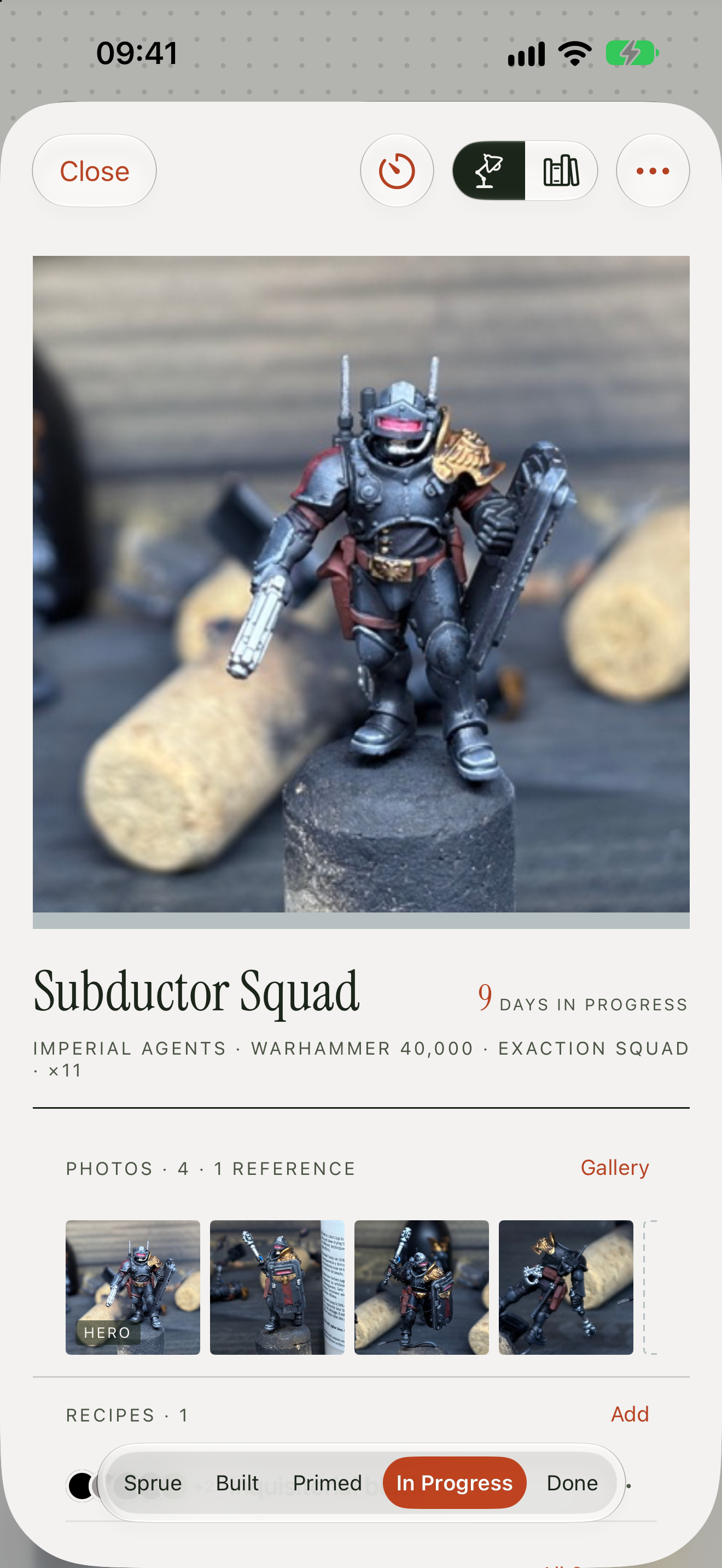
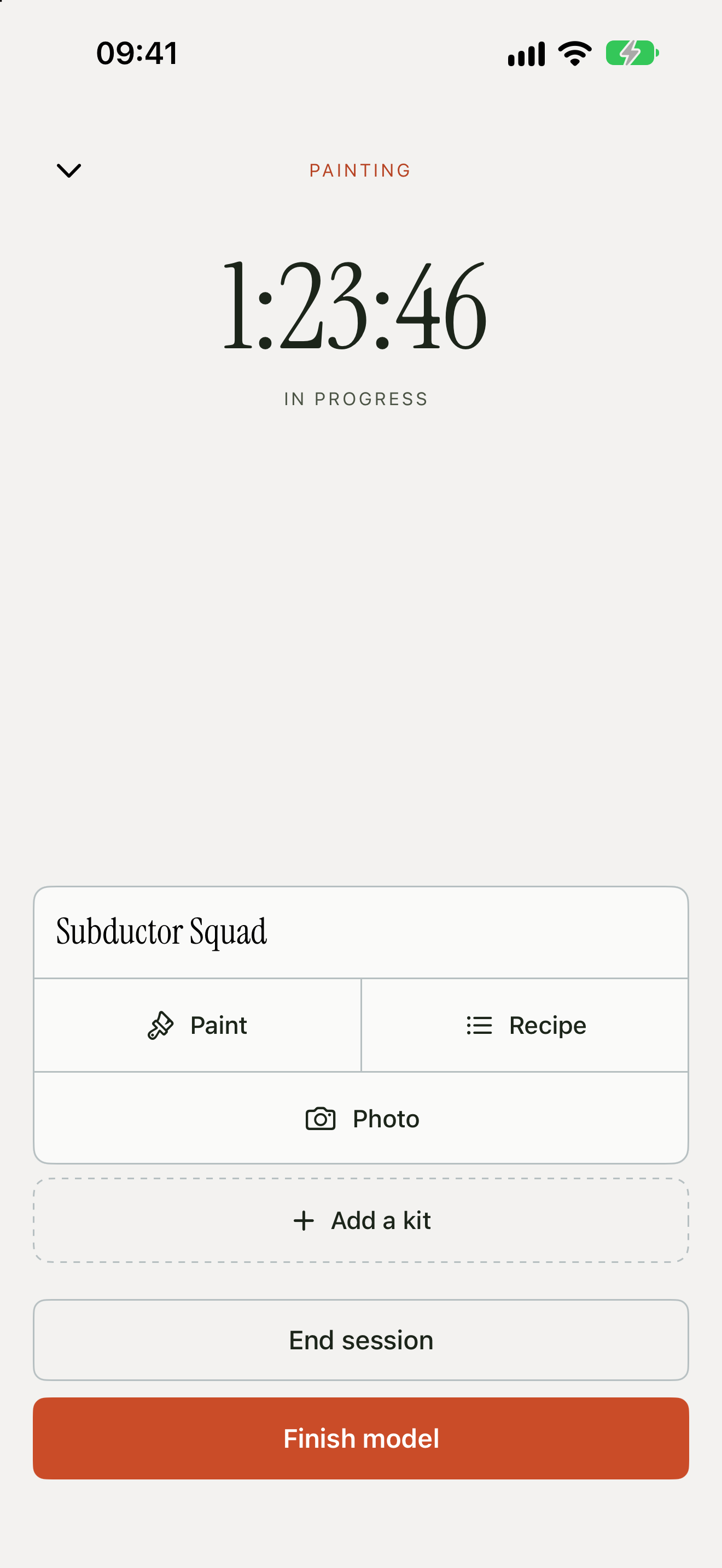
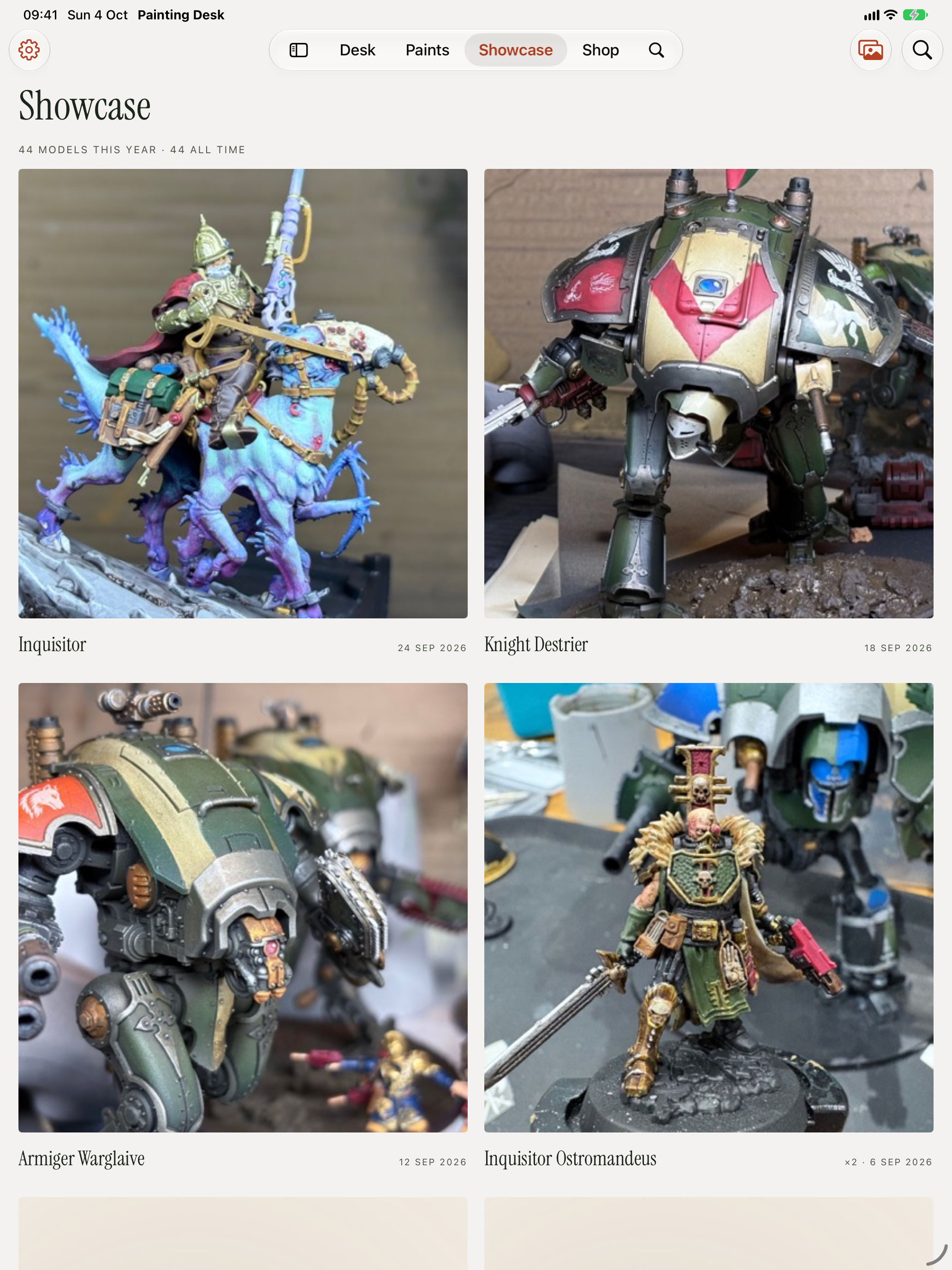
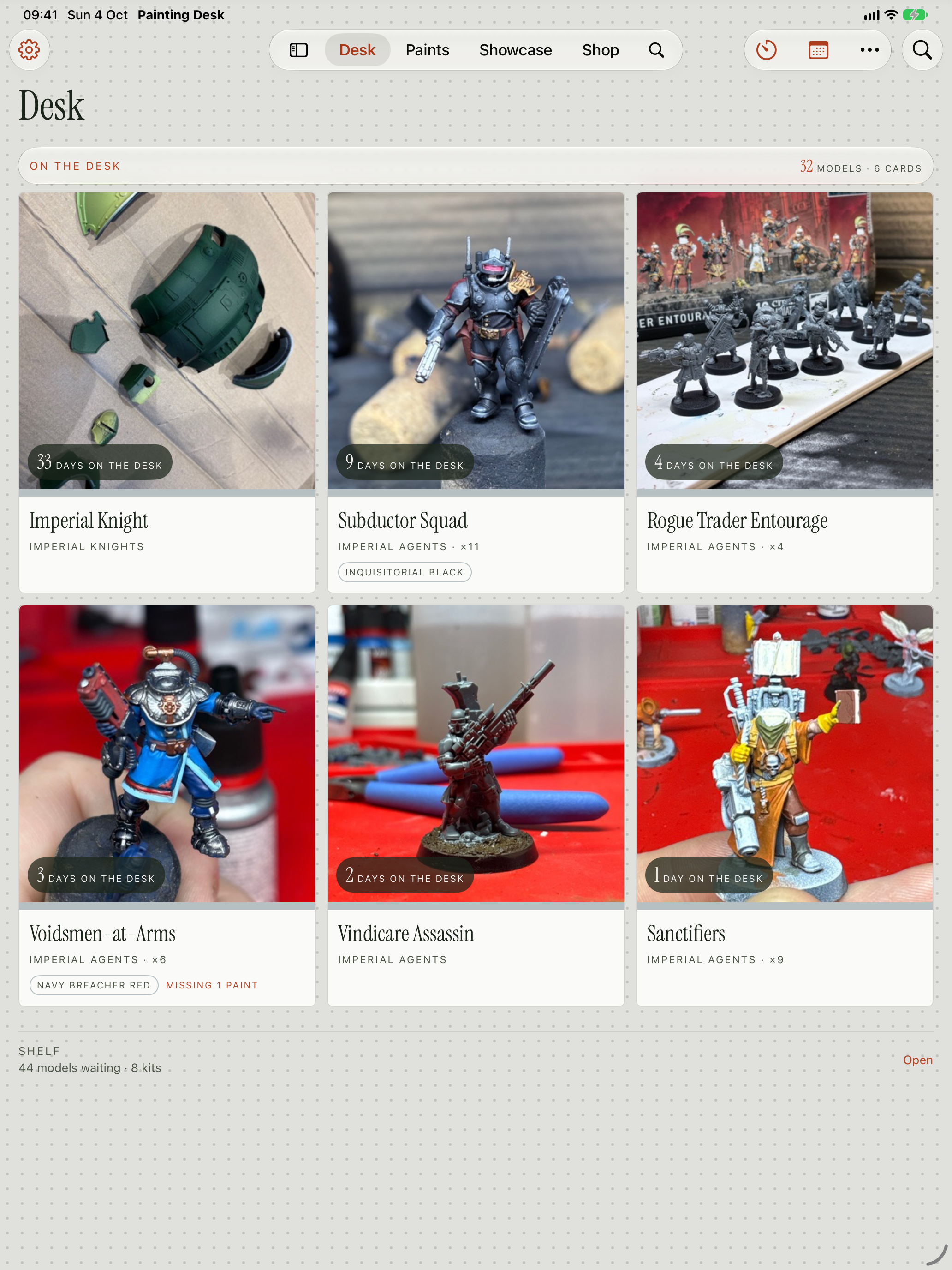
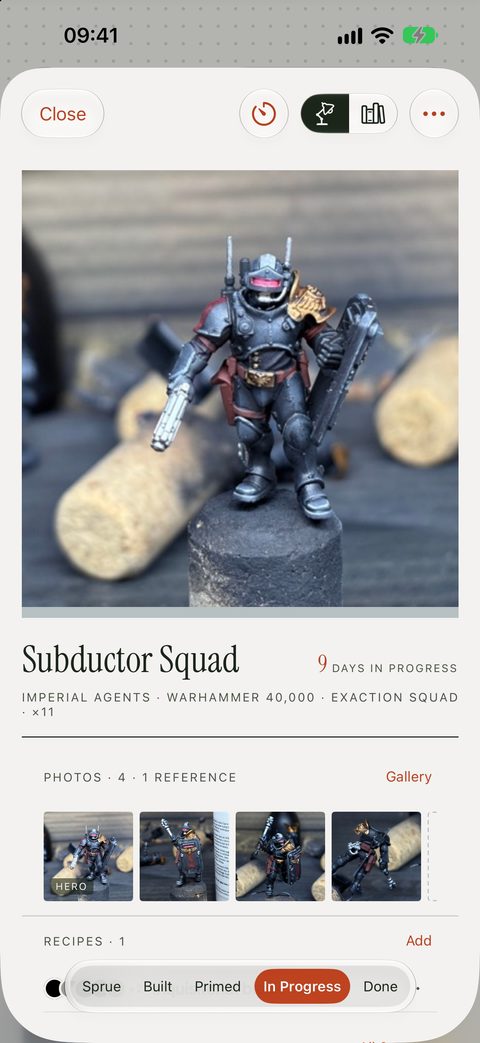
Every model a painter owns goes on the shelf: the backlog, the pile of shame, all of it, sorted by stage from Sprue to Done. The few they're painting now go on the desk, where each kit counts the days it has sat there. A kit moves to its next stage in two taps, and Painting Desk offers to take a photo on the way, stamped with that stage. Finished kits land on the Showcase with their best photos.
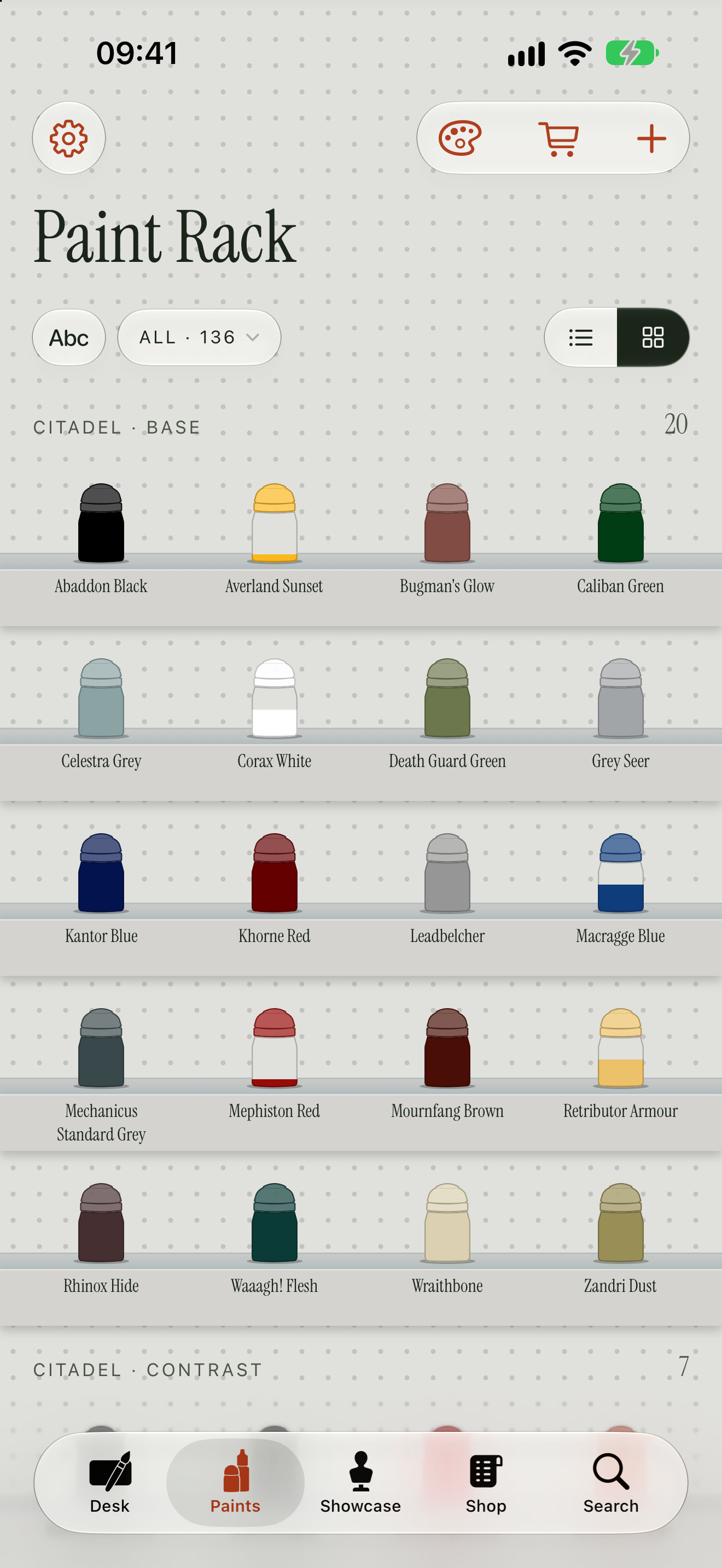
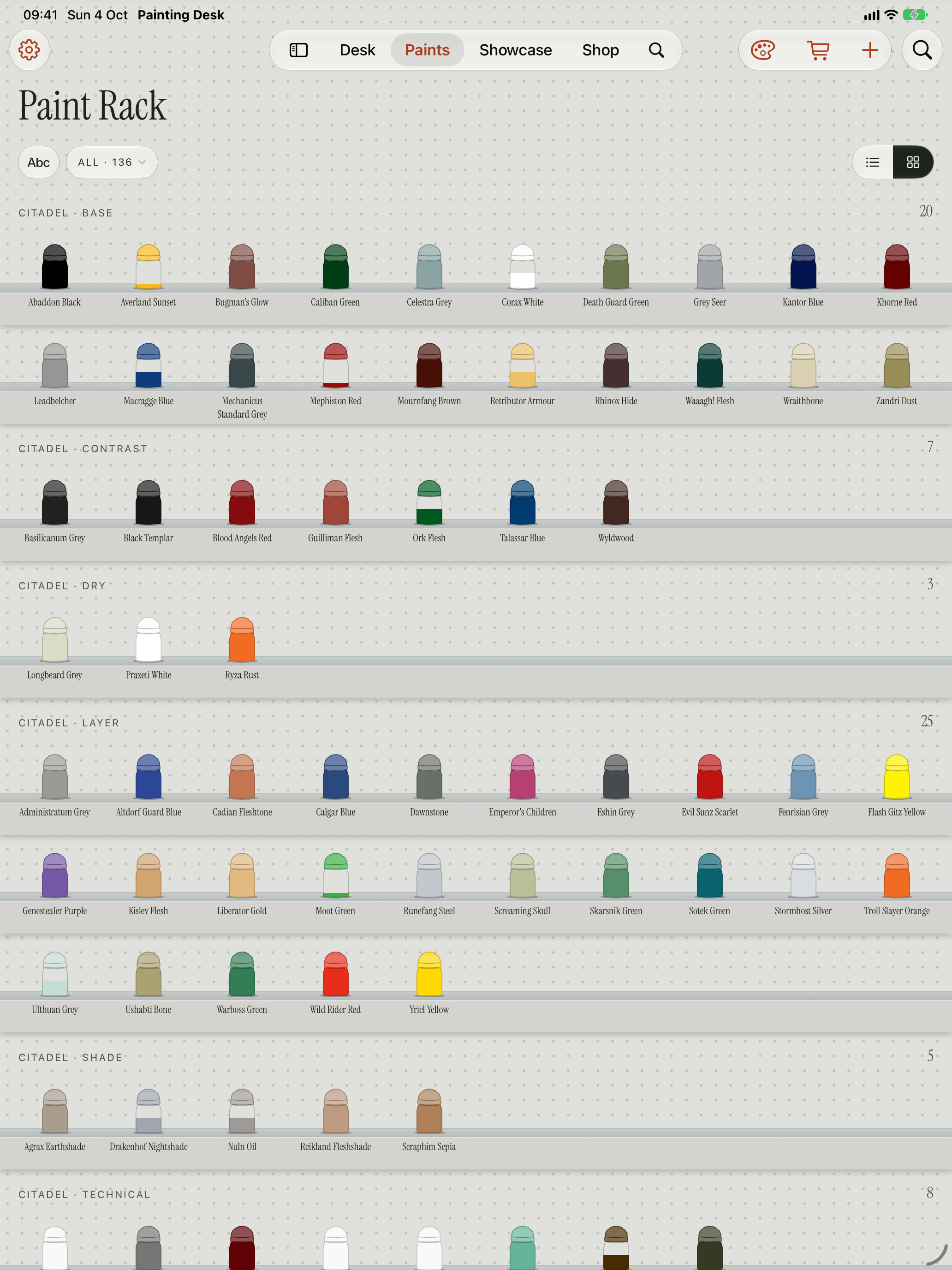
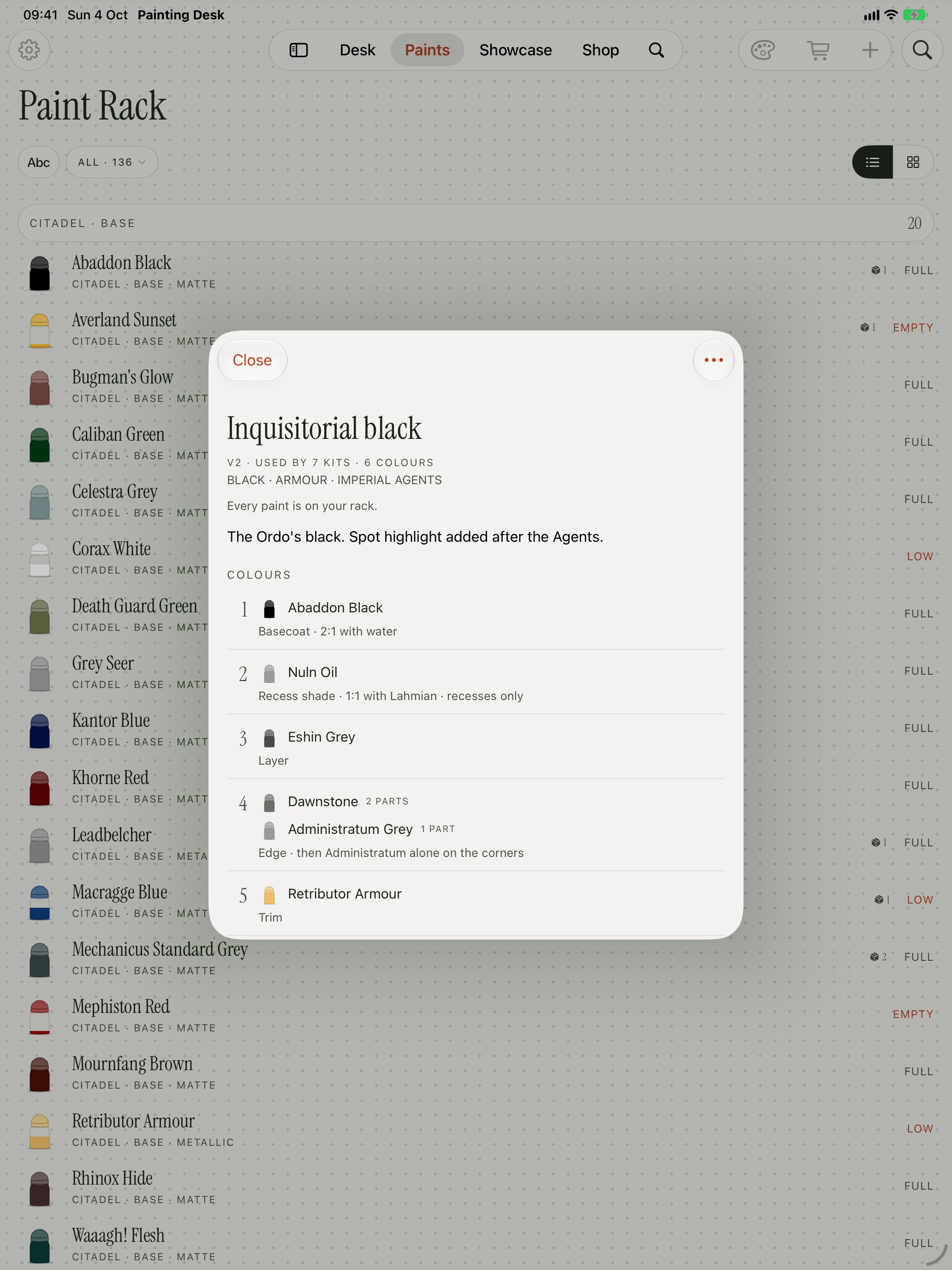
The paint rack holds every pot they own, from a catalogue of over 4,700 paints across ten brands. Paints go on by ticking them off brand by brand, by searching, from a spreadsheet, or on iPhone and iPad by scanning the pots with the camera. Each pot shows how much is left, and Painting Desk says when the last one is running low.
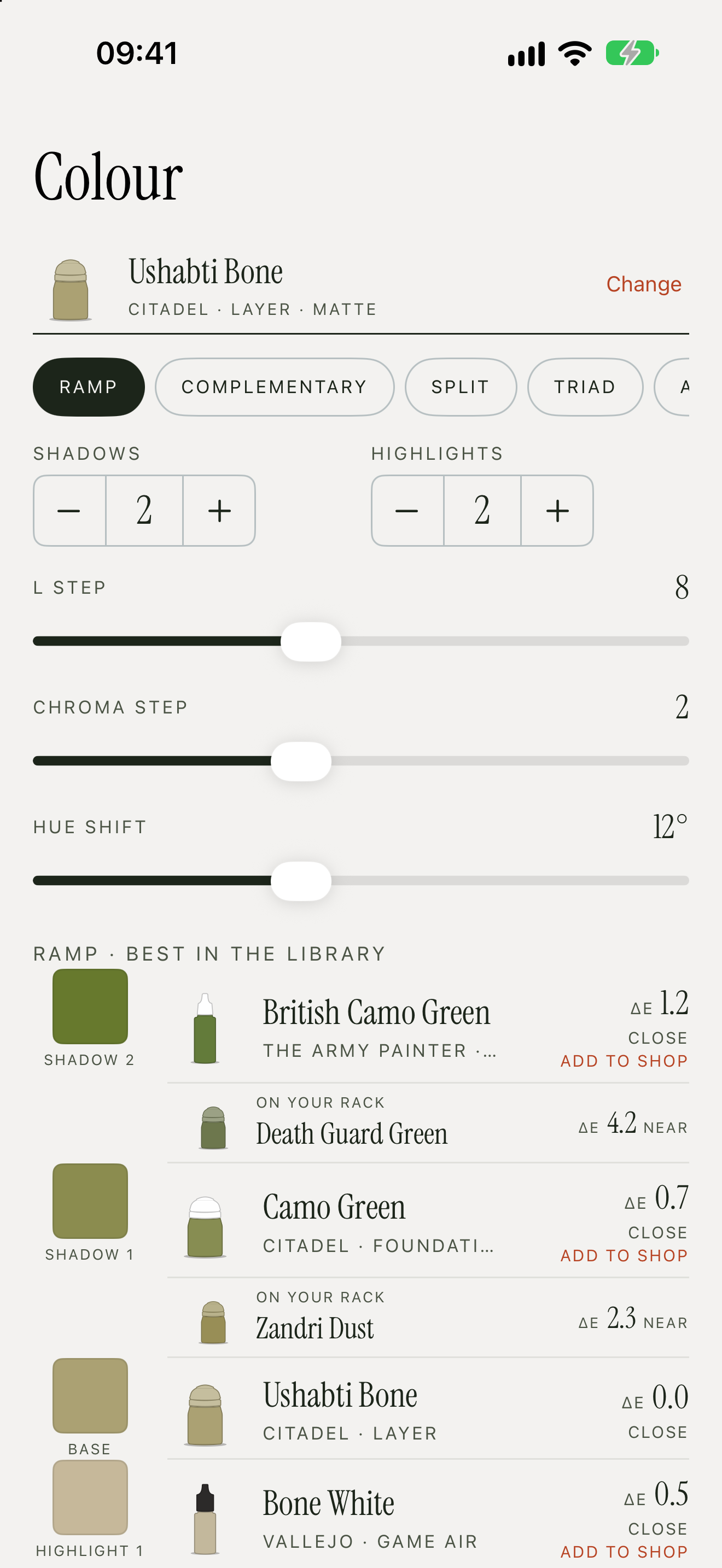
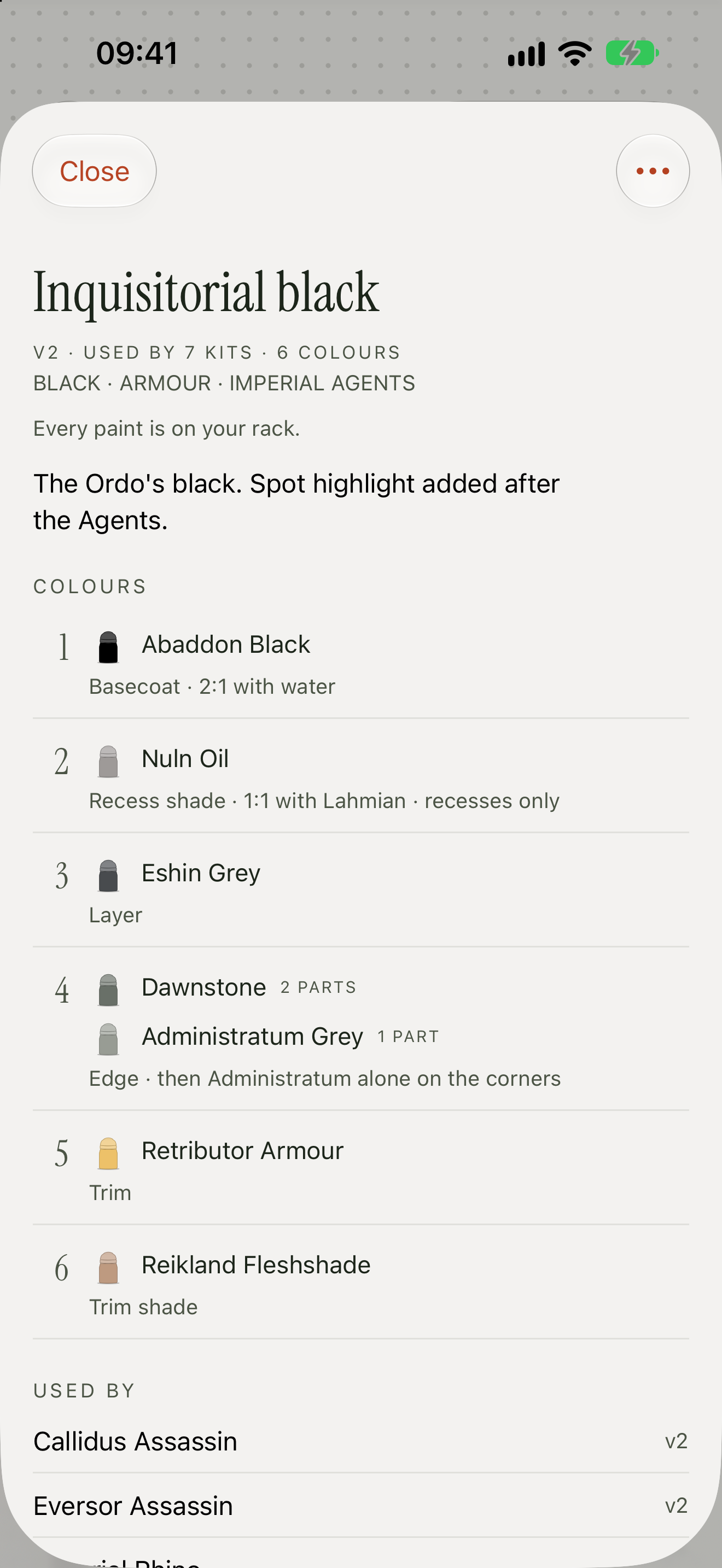
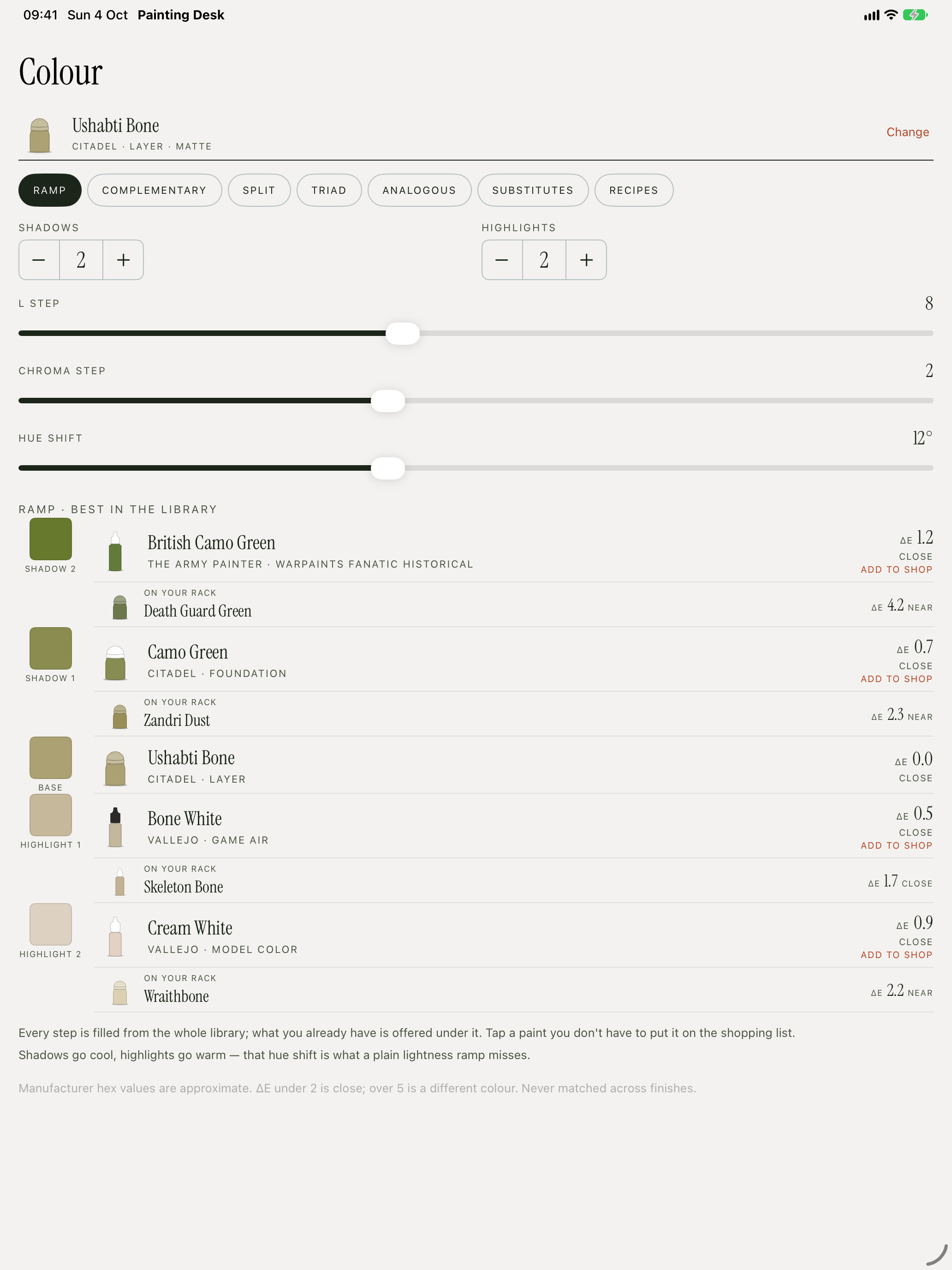
The colour tools start from a paint or a colour picked from a photo. Ramps shift in hue as well as lightness, cooler in the shadows and warmer in the highlights, and every step, harmony and substitute is a real paint, with how close it is and the nearest pot already on the rack. Recipes keep the colours, mixes and notes that worked, show which paints are missing before a session starts, and keep the version a finished kit was painted with.
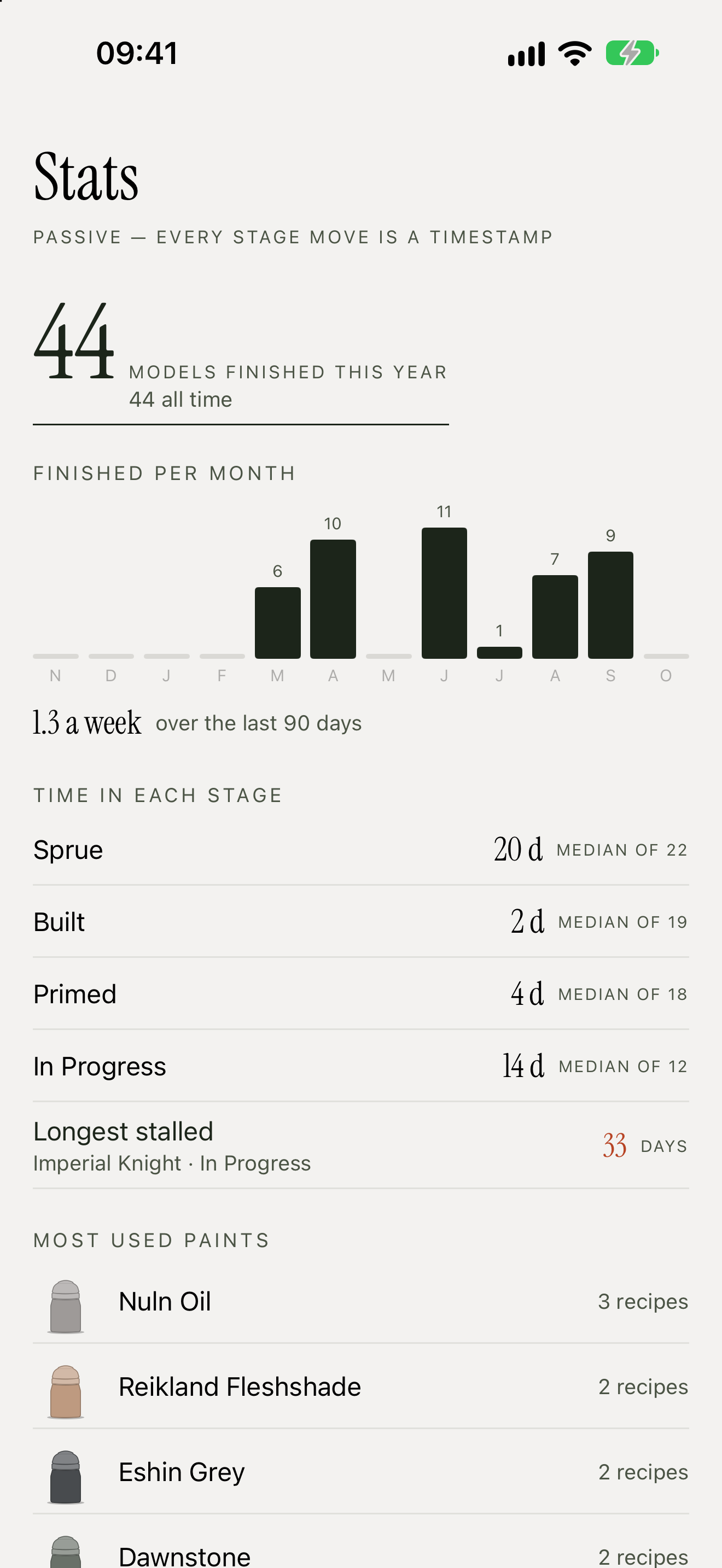
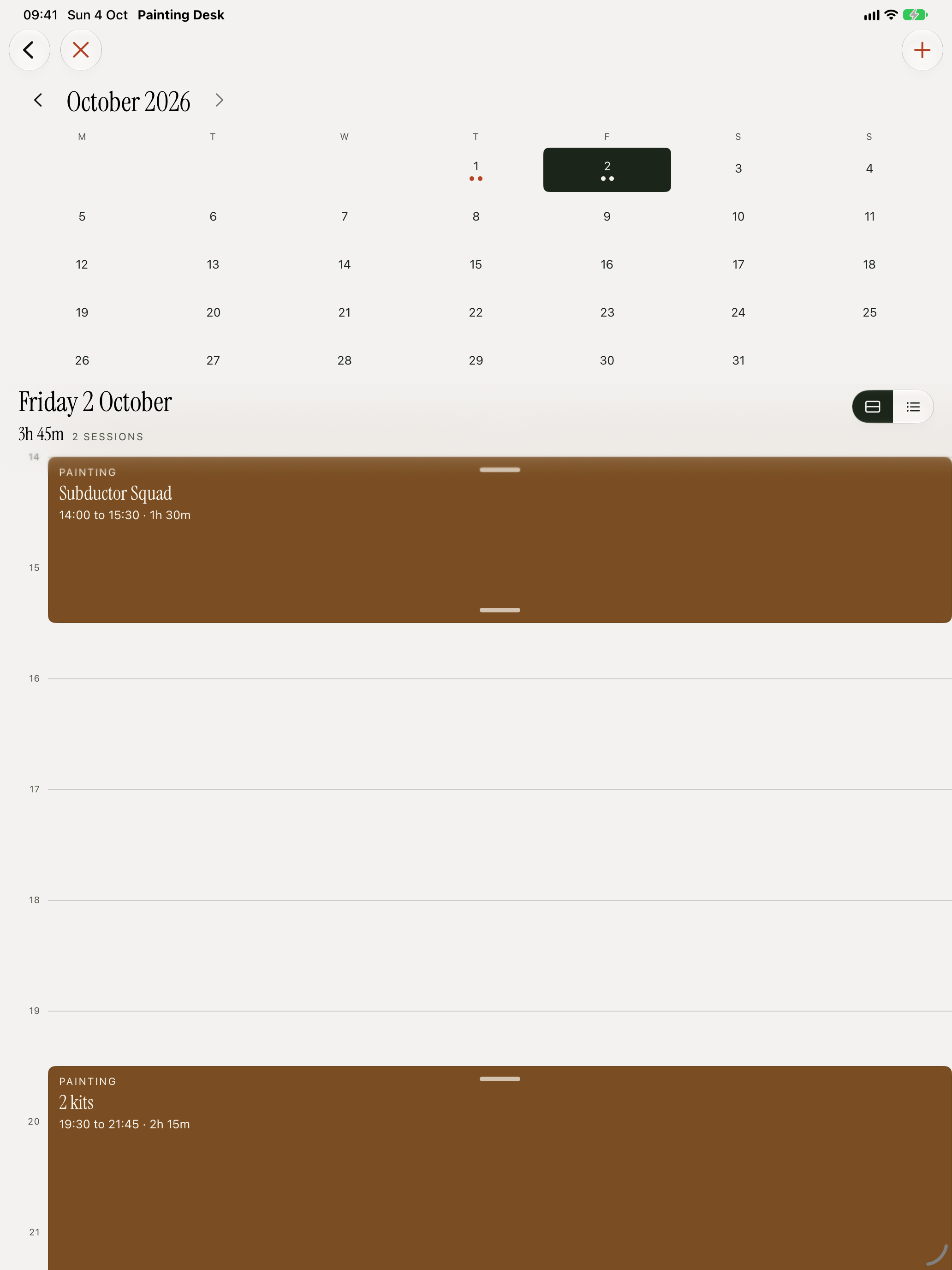
An optional painting clock times sessions at the desk and runs as a Live Activity; it never starts on its own. Stats come free from the dates each kit changed stage: models finished each month, days in each stage, and the kit that has stalled longest.
There's no account, no server, no adverts and no analytics. Everything stays on the painter's devices and syncs through their own iCloud, and paints, kits and the whole collection can be exported at any time.
Reviewer's guide
Five things to try, in order. Everything is in the public beta, with nothing to unlock.
On the Desk, tap + and give it a name. Add 1 to Sprue puts it on the shelf; open the shelf and choose Put on the desk.
Open the kit and move its stage from Sprue to Built. Painting Desk asks “Photo before you move on?”, and the photo is stamped Built.
On Paints, tap + to add paints: search by name, tick pots off brand by brand, or on iPhone and iPad scan them with the camera.
Open any paint and choose Open in Studio. Switch between Ramp, the harmonies and Substitutes, and drag Hue shift to zero to see what it does.
On a kit, tap the timer to start painting; the clock runs as a Live Activity. When the kit is done, Finish model on the clock moves it to Done, and it lands on the Showcase.
Try it
There's nothing to unlock and no account to make: every feature is in the beta. It installs through Apple's TestFlight.
Select an image to download it at full size, or get them all in the zip.
App icon and photography
iPhone · 1320 × 2868
iPad · 2064 × 2752
About the developer
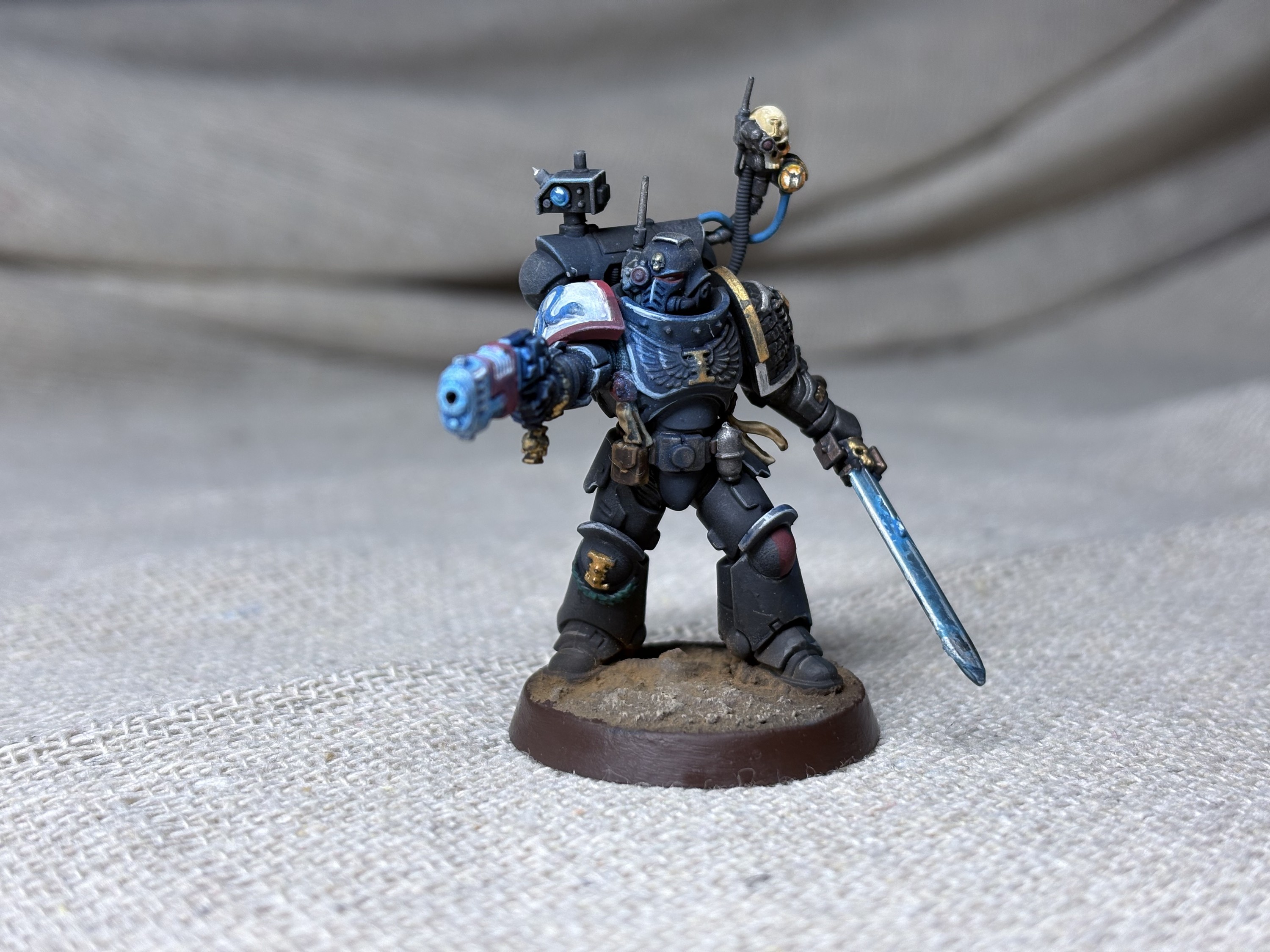
Benjamin Briggs has spent more than 15 years building apps for iPhone and iPad, and also makes Magic Sudoku. Painting Desk grew out of his own painting: the models, photos and paints throughout the app and its website are his.
Interviews, or anything not on this page. For help with the app, email support@paintingdesk.app.