Mini painting tracker
Finish what's on the desk
Painting Desk tracks every kit from sprue to done, every pot on your rack and every recipe that worked. What you finish goes on the Showcase.
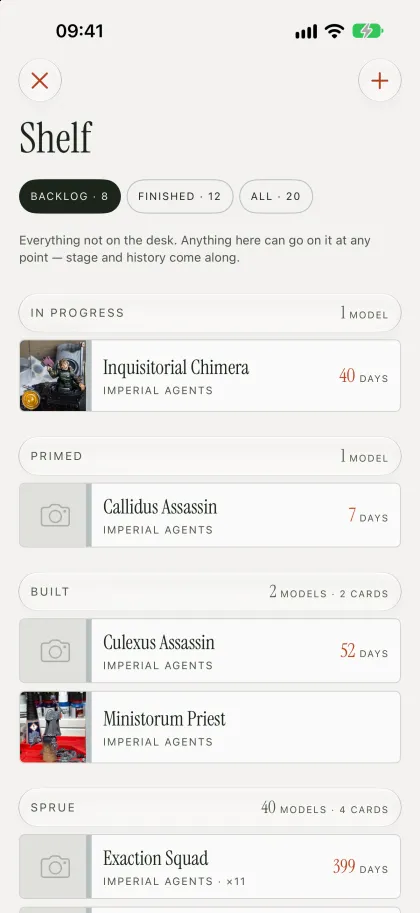
The Shelf and the Desk
A shelf for the pile. A desk for the work.
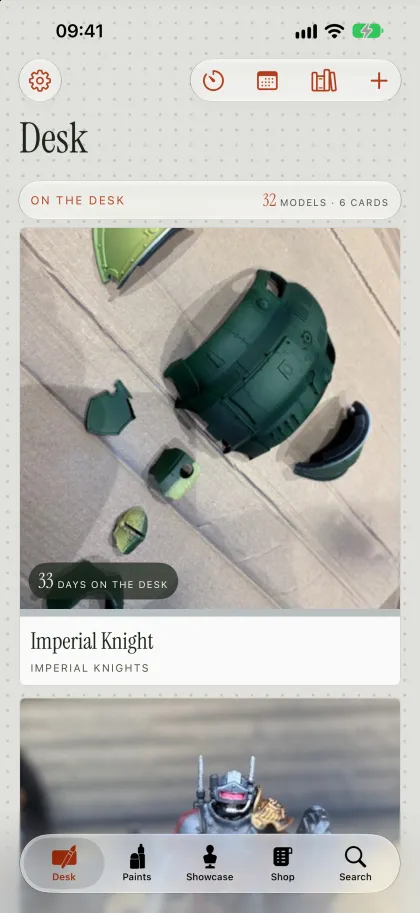
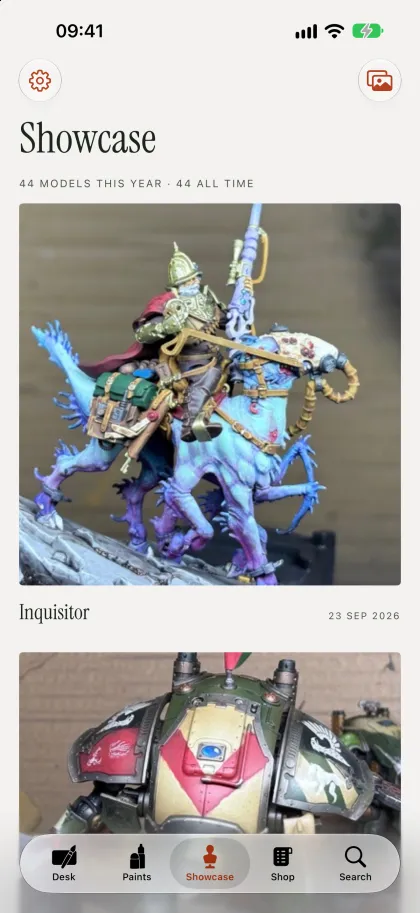
Every model you own goes on the shelf: the backlog, the pile of shame, all of it, sorted by stage. The desk holds the few you're painting now. Finish one and it goes on the Showcase.
The Shelf
Everything not on the desk.
- Cavalry regiment ×10
- Ruined chapel
- Ranger captain
- Wolf riders ×5
- Knight on foot
The Desk
What you're painting now.
-
Cavalry lancer
12
-
Dwarf rangers ×5
4
-
Plague doctor bust
32
-
Watchtower
1
The Showcase
Finished, photographed, on a plinth.
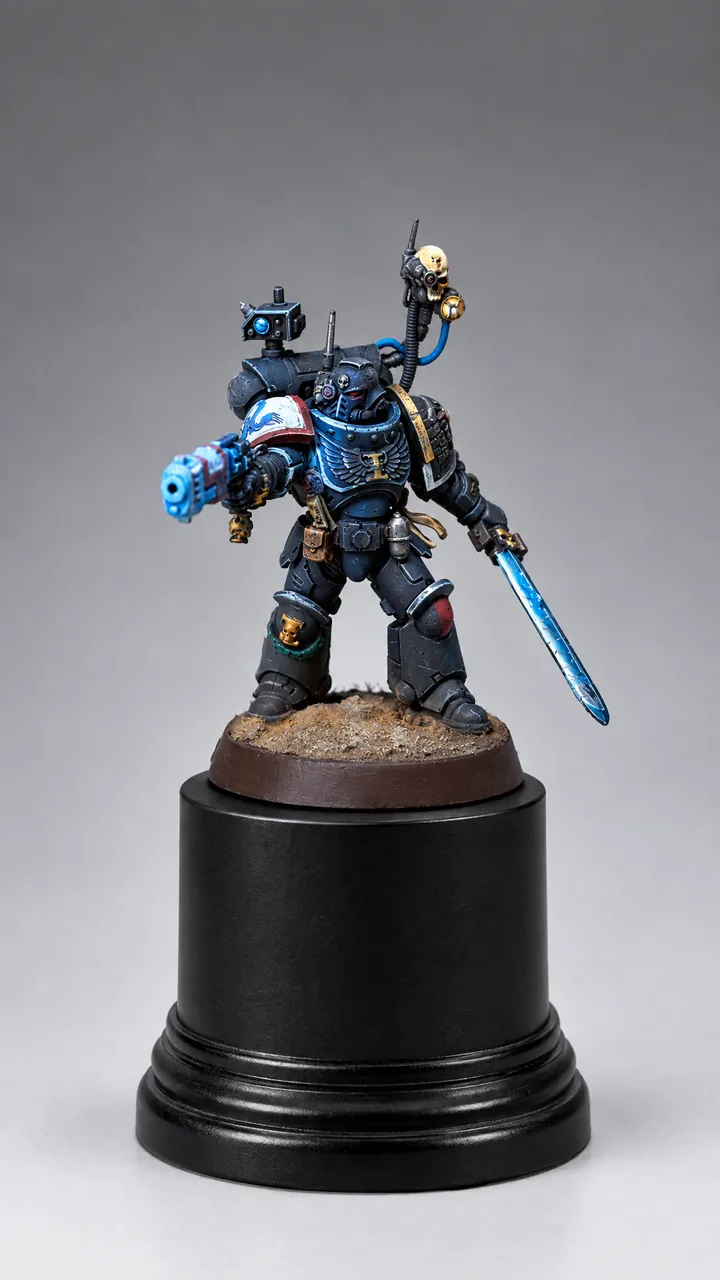
Veteran with sword
- Start on the shelf, in Sprue. A name is all it takes; the rest can wait.
- Painting Desk offers three from the shelf: the two furthest along and one at random, the same all day.
- Say how many kits the desk holds and the app notes when it's crowded. A note, never a block.
- A kit is one model or a whole squad painted together. Split it when a few get ahead of the rest.
Sprue to Done
Every stage, photographed
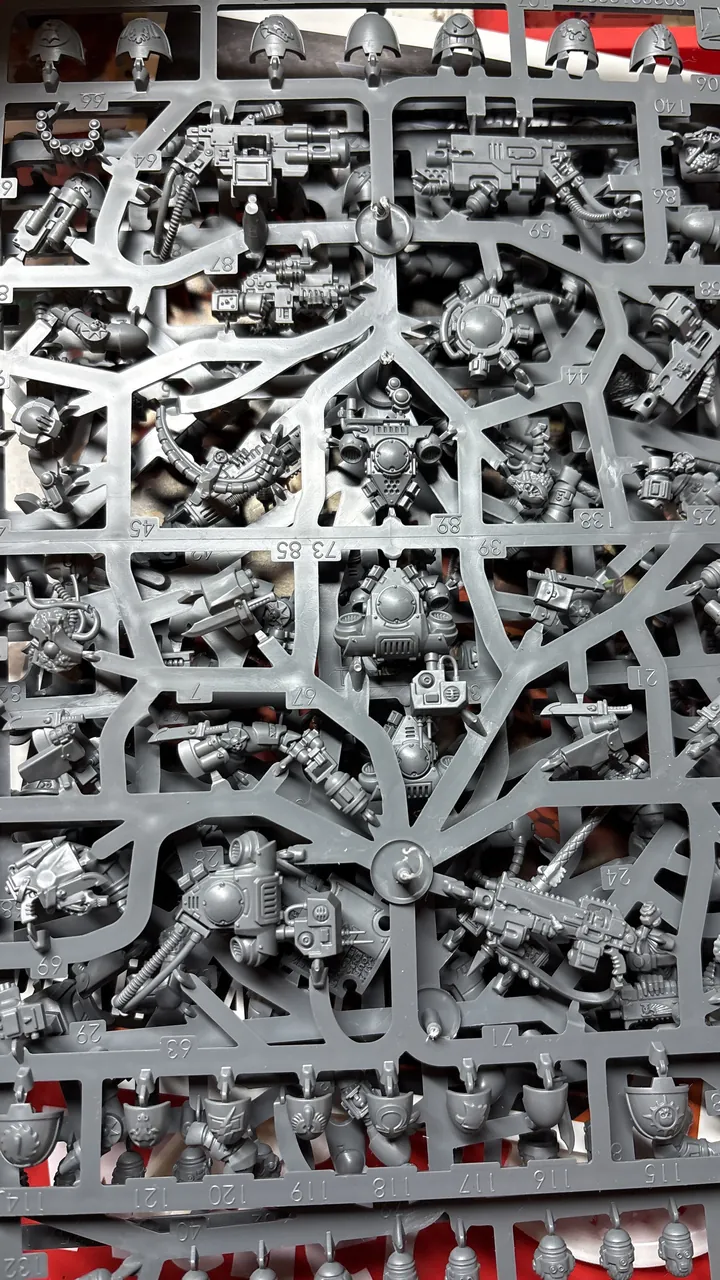
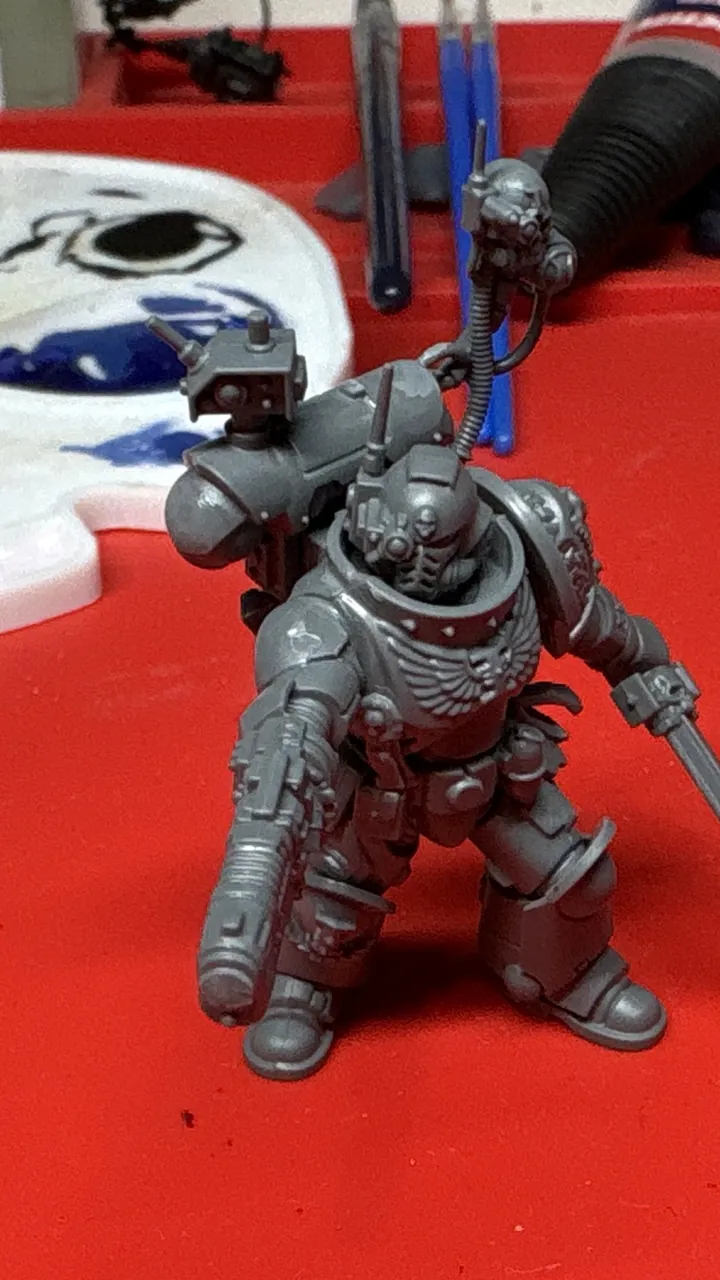
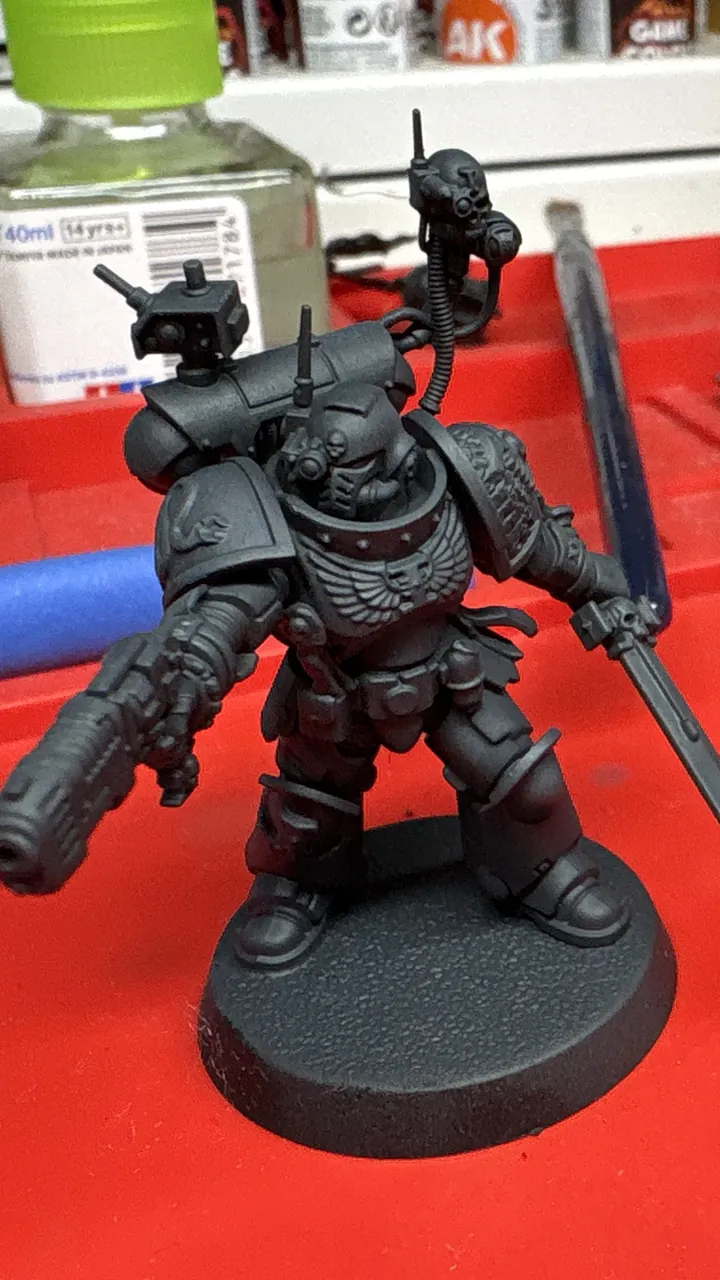
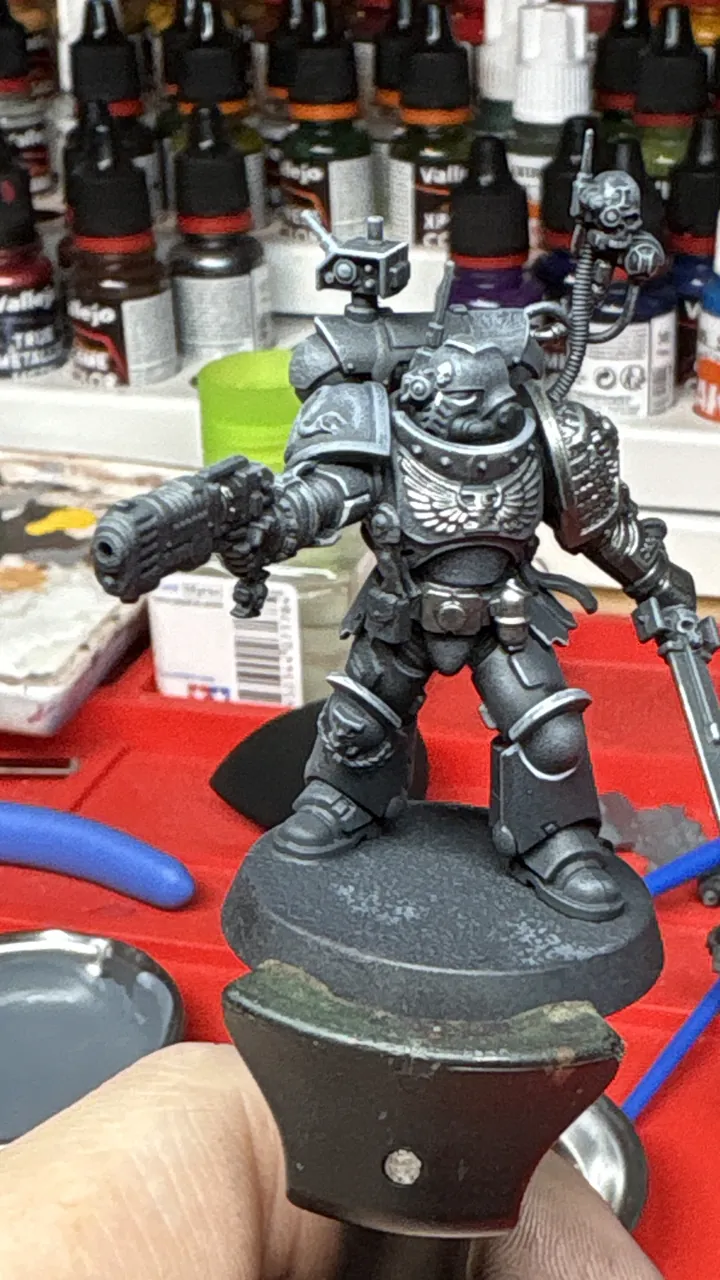
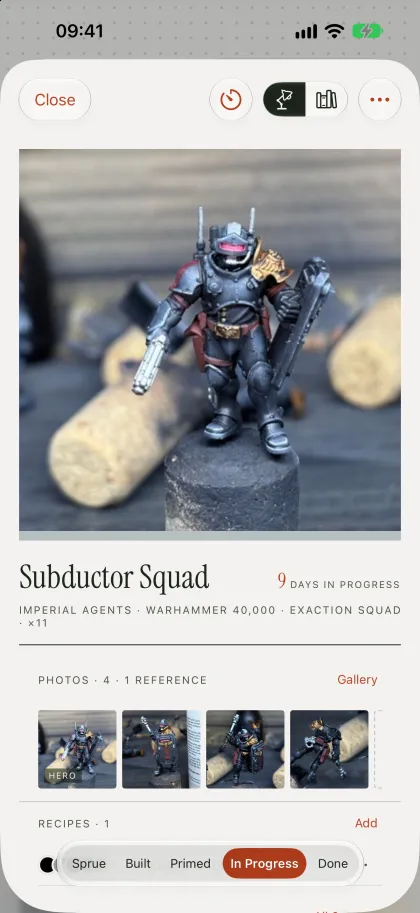
Move a kit to its next stage in two taps, and Painting Desk asks for a photo on the way. Every shot is stamped with its stage, so the whole story is there when the kit is done.
Photo before you move on?
Moving to Primed. The shot is stamped Primed and keeps it, wherever the kit goes next.
4,700 paints · 10 brands
Know every pot you own
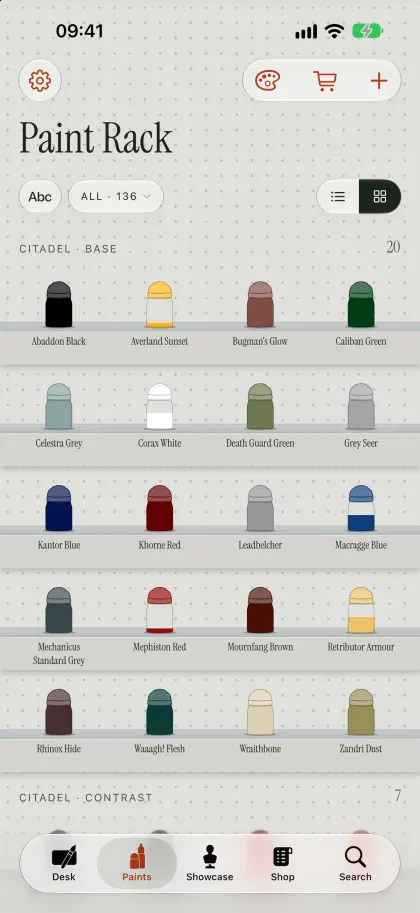
Tick your paints off on the swatch grid, scan the pots with the camera or import a spreadsheet. Each pot shows how much is left, and Painting Desk tells you when you're on the last one.
- Black
- German Grey
- Navy Blue
- Wolf Grey
- Sky Blue
- Fern Green
- Thrall Flesh
- Cygnus Yellow
- Yellow Oxide
- Desert Yellow
- Bone White
- Leather Brown
- Flat Earth
- Orange Rust
- Carmine
- The Red
Orange Rust is low, with nothing sealed behind it.
Ramps · Harmonies · Substitutes
Build the perfect recipe
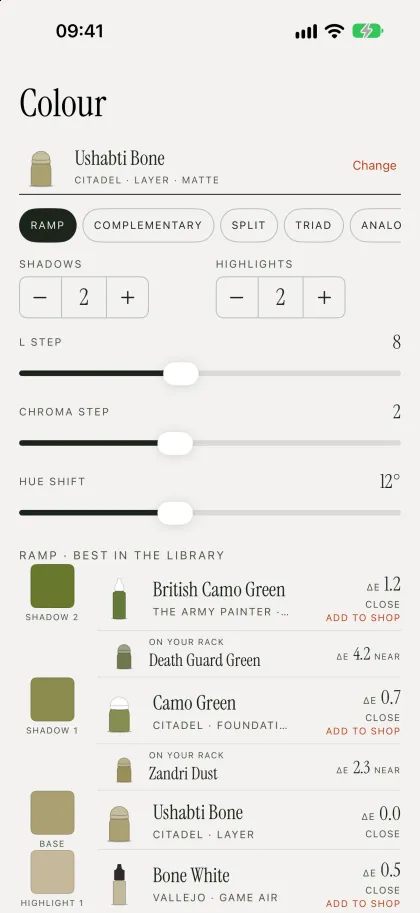
Pick a base colour and get shadows that cool and highlights that warm, not just a darker and lighter version. Every step is a real paint, with how close it is.
Pick any colour, or tap the model at the top of the page: Painting Desk samples a small patch, not a single pixel, and ramps from that.
Orange Rust
- Pure Red ΔE 1.1
- Carmine ΔE 0.9
- Orange Rust ΔE 0.0
- Barbarian Flesh ΔE 1.0
- Desert Yellow ΔE 1.0
Matched against 3,145 paints from nine brands in Painting Desk's catalogue. ΔE under 2 reads close, under 5 near.
Recipes
Repeat any paint job
Save the colours, mixes and notes that worked. Painting Desk shows which paints you're missing before you start, and a finished kit keeps the version it was painted with.
Rust-red cloak
Every paint is on your rack.
- 1 CarmineBasecoat, two thin coats
- 2 Strong ToneWash, recesses only
- 3 Orange RustAirbrushed from above
- 4 Barbarian FleshDesert YellowEdge highlight
- 5 Desert YellowSpot highlights on the folds
Painting Clock
Know where every evening went
Start the clock from a kit and paint. It stays on the Lock Screen while you work, it never starts on its own, and a session can be shortened but never stretched.
1:23:42
Cavalry lancer
Nothing to log
See what you finish
Every stage move is dated, so the numbers come free: models finished each month, days in each stage and the kit that has stalled longest.
Private by design
No account. No server.
Your kits, paints, recipes and photos stay on your iPhone and iPad and sync through your own iCloud. There's nothing to sign up for, and nothing we can see.
Read the privacy policy
Start with one kit
Give it a name and it goes on the shelf, in Sprue. Everything else can wait.